 Waraq / ورق
The PDF studio built for Arabic
Edit, sign and organize Arabic and English PDFs, privately, on your device.
Everyday tools
One click to the job. They run in your browser, and your files never leave your device.
Something new for Arabic PDFs
Most PDF tools were built for English first, and many ask you to upload your files. Waraq starts from the other end.
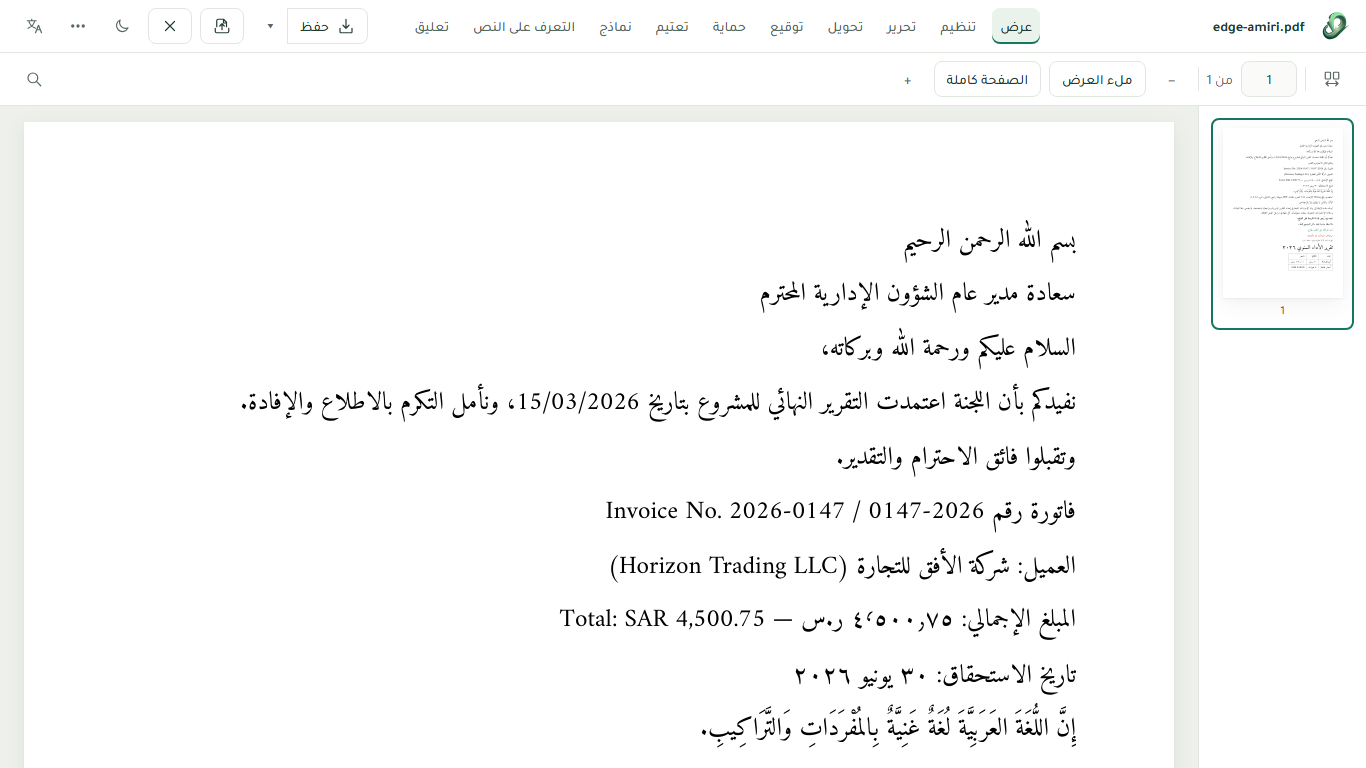
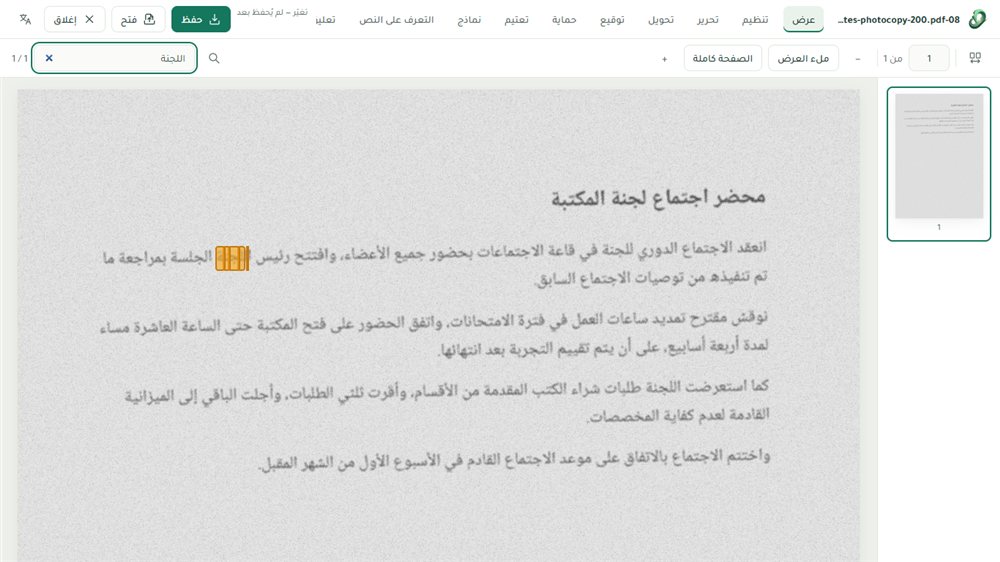
Arabic stays real text
When you change a line, it stays text you can search, copy and edit again, in the document's own font where possible.
Nothing is uploaded
The whole studio runs on your device, even inside the browser. No server ever sees your files.
One place for the whole job
Organize, edit, sign, redact, fill forms and read scans without jumping between websites.
Open, and honest about its limits
The code is open source, and we publish how well each part really works, including where it still fails.
What it does
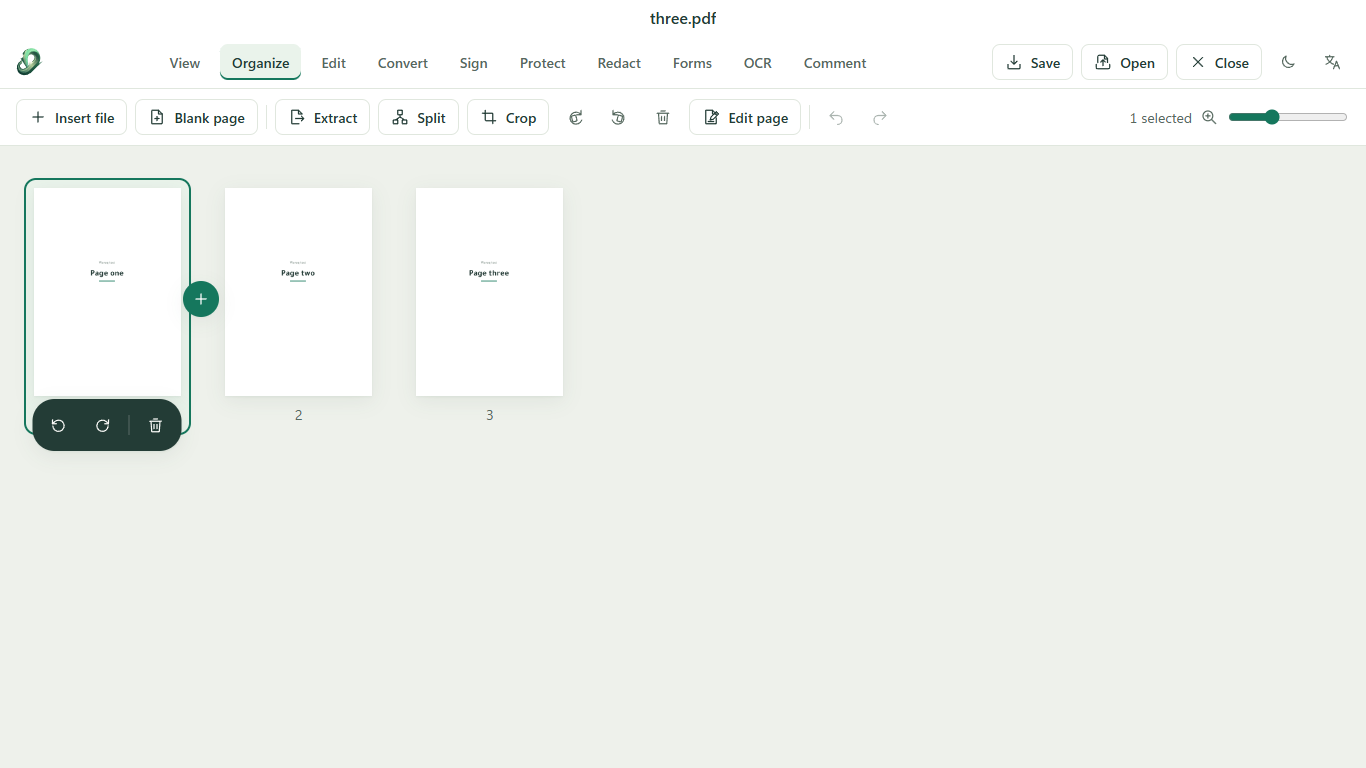
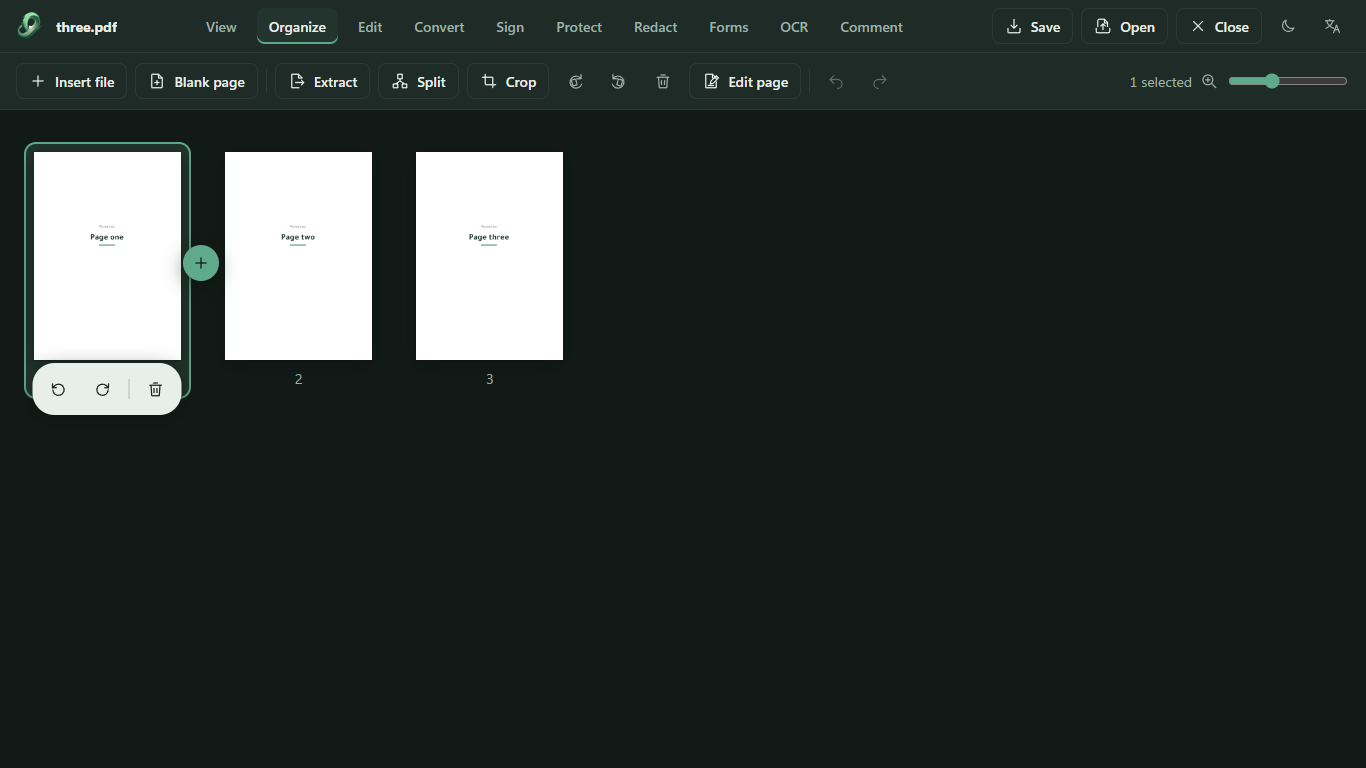
Organize
Drag, turn, delete and insert pages. Undo anything.
Edit
Change text, add Arabic and English, move photos. Real Arabic text, not pictures.
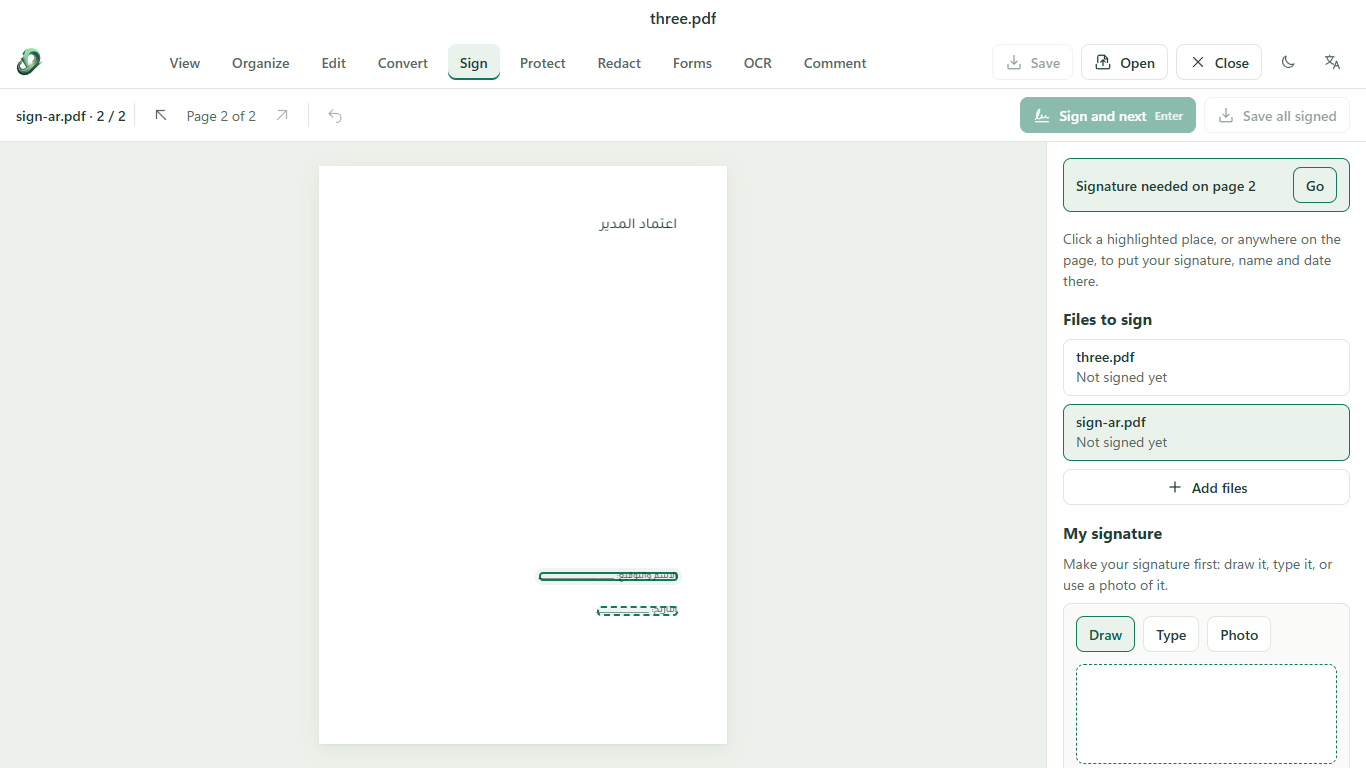
Sign
Draw, type or photograph your signature, sign many files in a row, and sign with your own digital ID.
Redact
Black out private text for good, not just cover it.
OCR for Arabic scans
Turn scanned pages into searchable text, on your device.
Forms
Fill in PDF forms in Arabic or English.
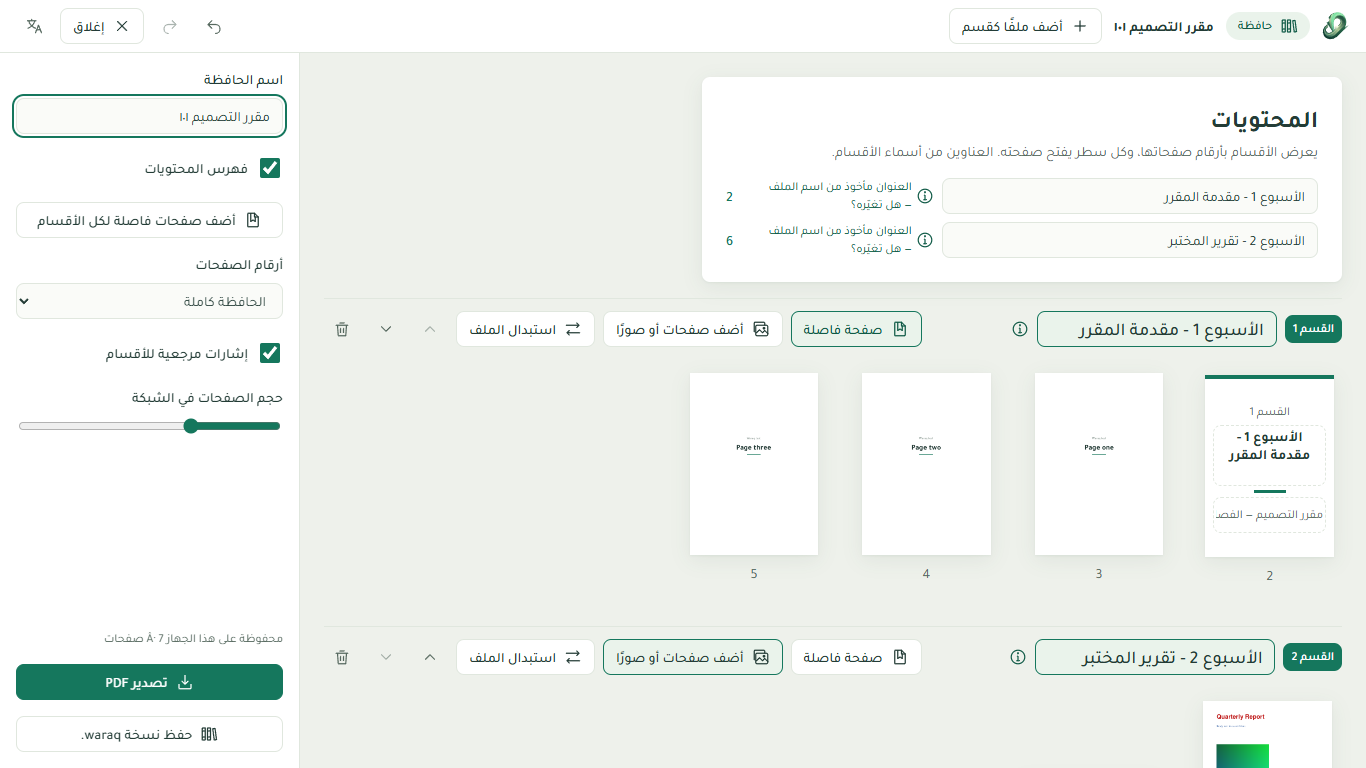
Portfolio
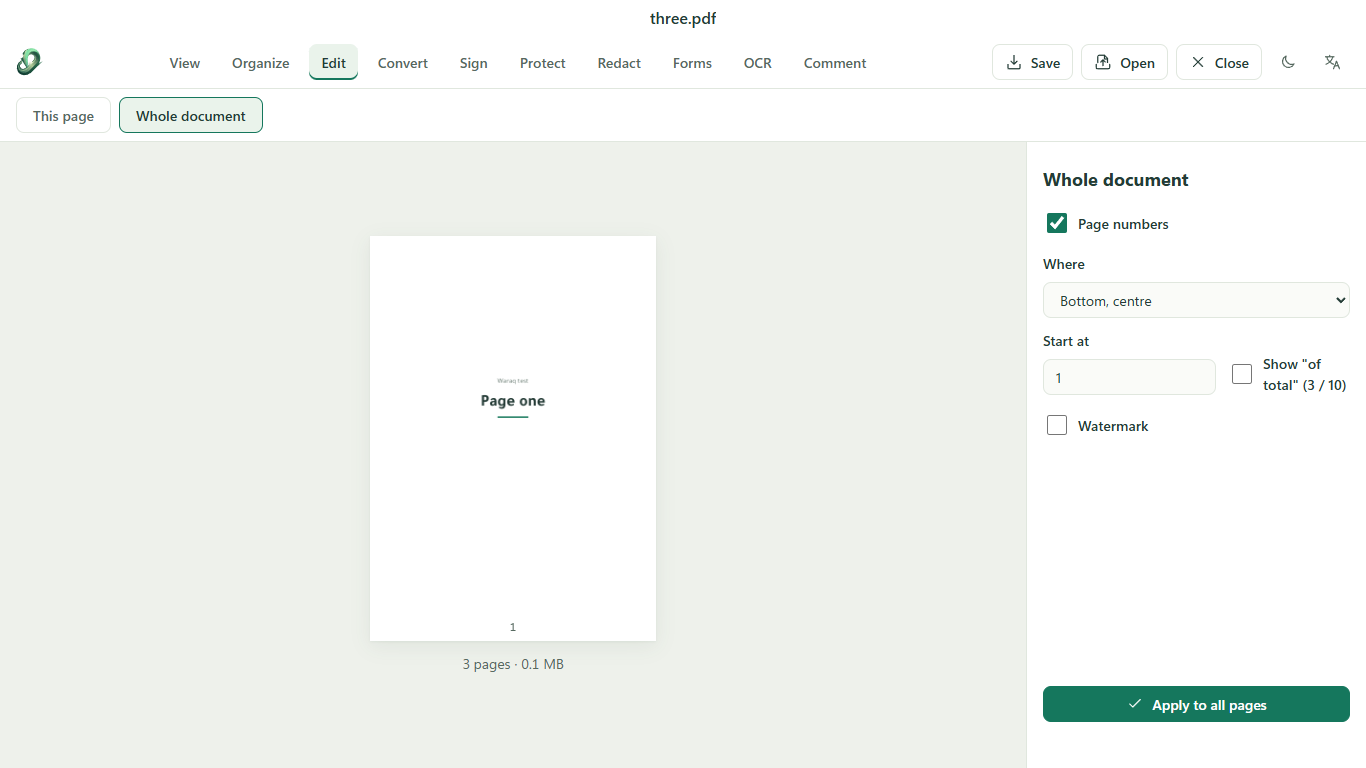
Combine several files into sections with a contents page, dividers and page numbers.
Comment
Highlight, draw shapes and add notes.
Crash recovery
If Waraq or your PC stops unexpectedly, your open work is offered back on the next start.
What we are working on
Waraq is a beta that moves every week. This is the plan, in order.
Now
- Our own Arabic reading model for scans. It ships when it beats the current one on every kind of page we test.
- A new guide for Waraq 1.0.
Next
- Find the blanks in a form that is only a scan, so you can fill it.
- Compare two versions of a document.
- Keep bookmarks when you combine files.
Later
- Measure distances on drawings.
- Digital signatures that stay valid for years.
How we build it
1. Measure first
We keep real pages in Arabic and English and score every change against them, so a fix for one page cannot quietly break another.
2. Test in both languages
Hundreds of automatic checks run on every release, in English and in Arabic.
3. Try it by hand
Nothing goes live until a person has installed it and used it.
4. Small steps, said plainly
A new beta about every week, with notes that say what changed and what is still not good.
New in beta 5
- Images to PDF
- Check before sharing
- No more false crash messages
- Send report in one press
- من صور إلى PDF
- افحص قبل المشاركة
- لا رسائل انهيار كاذبة
- إرسال التقرير بضغطة واحدة
This is still a beta. Known limits · Everything new and the checksum
Get Waraq
Waraq 1.0 beta 5 for Windows
Beta, 28.8 MB. Installs for your user only with no administrator rights, and updates itself. Windows may show an unknown publisher; if it does:
- Windows or your browser may say the file is not commonly downloaded. In the downloads list choose Keep.
- Open the file. If a blue “Windows protected your PC” box appears, choose More info.
- Choose Run anyway. Waraq is not code-signed yet, so Windows shows an unknown publisher.
Earlier version (0.3.3 classic)
The classic 0.3.3 web app and its Windows download stay available for now.
What is not good yet
Arabic OCR
On clean printed pages, Arabic OCR reads about 86 to 98 % of the words correctly in our tests. Old scanned books, photocopies, fully vowelled text and small-print tables read much worse. Check number columns by eye and check important text before you rely on it.
Editing and the rest
- Editing Arabic: in our tests 98.9 % of edits had no real problem. In fully vowelled lines (poetry, Qur'anic text) a vowel mark can sit one letter off after editing. Check those lines.
- A very long replacement sentence is squeezed into the old line and never wraps. Some PDF fonts cannot be reused; Waraq then uses the same family from your PC, or Amiri or Tajawal, and says so.
- Find and copy: some readers copy lines that mix Arabic with numbers or English in the order they are drawn. Arabic-Indic numbers are not found by Find.
- The Windows installer is not code-signed, so Windows shows “unknown publisher”. The web version cannot convert Word, Excel, PowerPoint or CAD files.
Private by design
- Your files stay on your device. Nothing is uploaded, in the browser or in the Windows app.
- A crash report is sent to Waraq's Google Form only when you press Send report; it holds no document text or file names.
- Open source under the GNU AGPL: anyone can read the code.